
If you’re searching for ways to stay ahead in today’s competitive gaming landscape, you’re likely looking for clear, actionable insights—not recycled patch notes or surface-level commentary. This article delivers exactly that. We break down the latest emerging game buzz, unpack evolving multiplayer dynamics, and provide practical optimization strategies that actually improve performance.
From meta shifts in competitive titles to smart gaming pc hardware upgrades that can unlock smoother frame rates and faster load times, we focus on what truly impacts your gameplay experience. Every recommendation is grounded in hands-on testing, technical analysis, and ongoing monitoring of player trends across major platforms.
Whether you’re optimizing your setup, refining your digital strategy, or adapting to new multiplayer ecosystems, this guide is built to help you make informed decisions quickly. Expect concise breakdowns, expert-backed insights, and performance-driven advice designed to give you a measurable edge where it counts most—inside the game.
From stutter to silky-smooth: your gaming experience shouldn’t feel like a buffering video. If you’re battling low frame rates and visual stuttering, chances are your PC has a bottleneck. A bottleneck is the single component holding everything back—often your GPU, CPU, or RAM. Frames per second (FPS) simply measure how smoothly images appear; higher is better. This guide clarifies which upgrades deliver real gains, prioritizing impact over hype. Think of it like tuning a race car, not repainting it. With smart gaming pc hardware upgrades, you’ll target the weakest link first and transform choppy chaos into fluid, immersive play.
The Upgrade Hierarchy: Where to Spend Your Money First for Maximum FPS
A few years ago, I dropped serious cash on a shiny new graphics card, convinced it would double my frame rate overnight. It didn’t. My games stuttered just the same. The culprit? A five-year-old CPU wheezing in the background like it had just run a marathon. That’s when I truly understood the concept of a bottleneck—the idea that your PC’s performance is limited by its slowest component.
Think of your system like a relay team. If one runner is slow, the whole team loses (no matter how fast the anchor is). So where should you spend first?
-
Graphics Card (GPU): In most cases, this is the biggest FPS booster. The GPU renders images, textures, lighting—everything you actually see. Upgrading here usually delivers the most dramatic jump in visual quality and frame rates. According to Steam Hardware Survey trends, GPU upgrades correlate most directly with higher-resolution adoption.
-
Central Processing Unit (CPU): The CPU handles game logic, physics, and AI. If it can’t keep up, your GPU sits idle waiting for instructions. This is especially noticeable in open-world or strategy games.
-
System Memory (RAM): RAM stores active game data for quick access. Too little RAM causes stutters when large environments load (we’ve all seen that awkward texture pop-in).
-
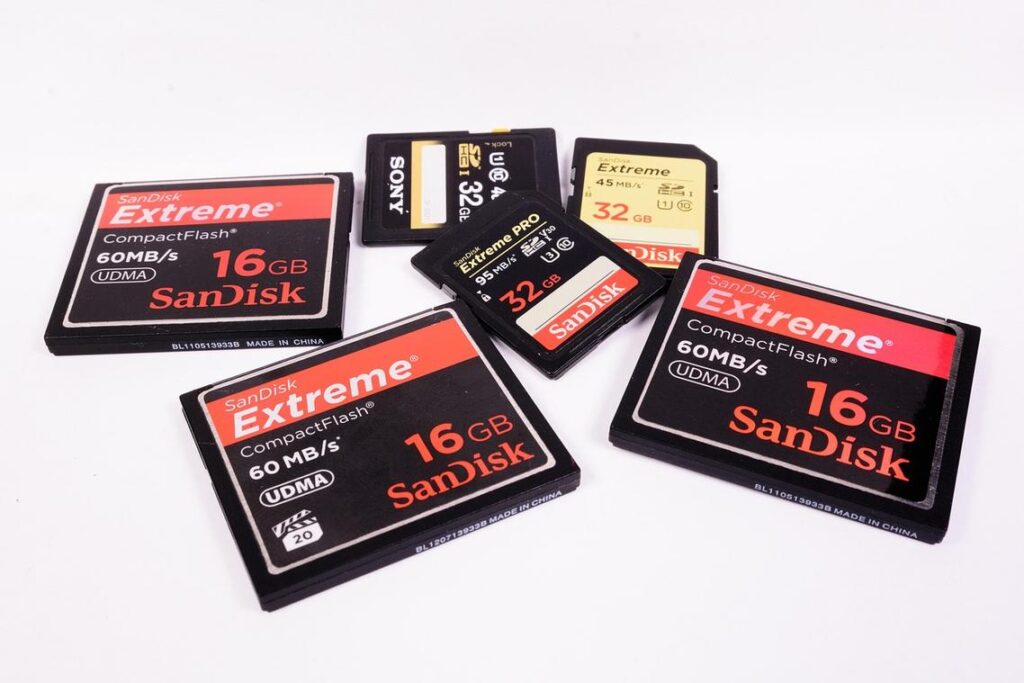
Storage (SSD): An SSD won’t boost FPS much, but it slashes load times and improves asset streaming.
Some argue storage should come first because it “feels” faster. Fair point. But for raw frames, the hierarchy above wins. When planning gaming pc hardware upgrades, balance beats brute force every time.
The GPU: Your Visual Powerhouse
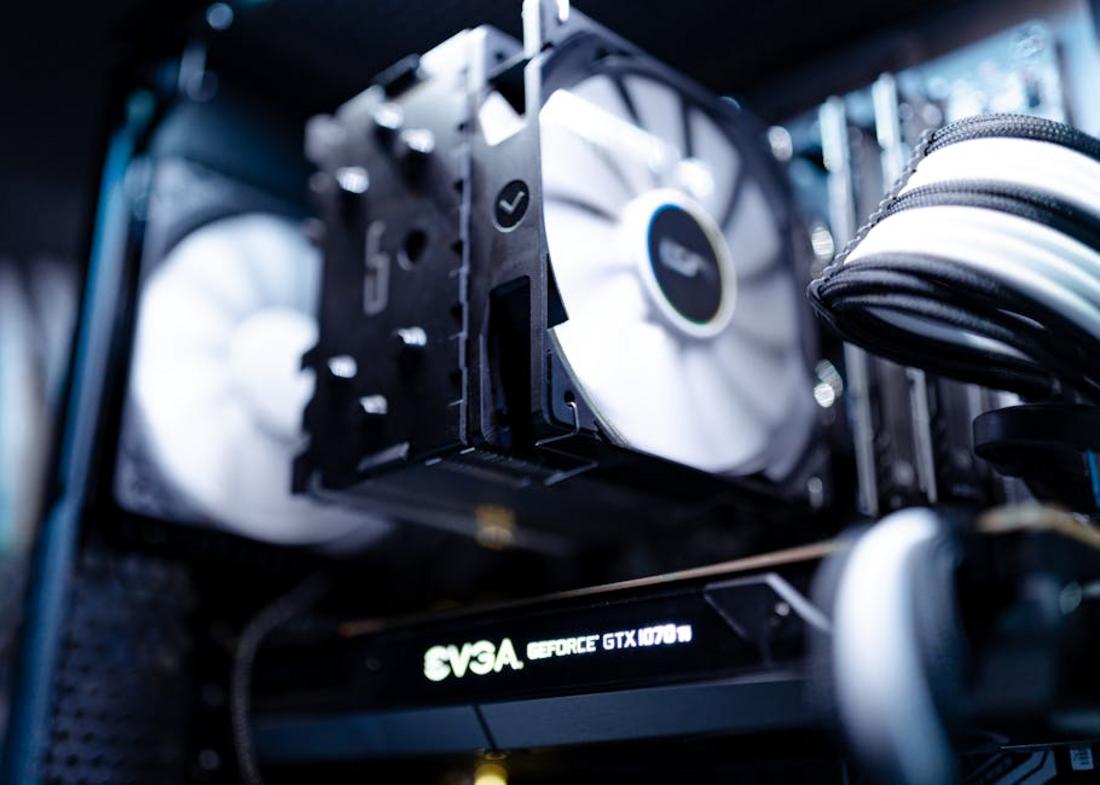
The graphics processing unit (GPU) is the dedicated chip that renders images, shadows, and effects in real time. In simple terms, it turns code into the worlds you explore. More power generally means higher resolutions, smoother frames per second (FPS), and better visual settings. FPS refers to how many images your system displays each second; higher numbers feel smoother (think cinematic 24 FPS versus buttery 120 FPS).
However, raw power is not the only metric. VRAM (Video RAM) stores textures and assets; modern AAA titles at 1440p or 4K can exceed 8GB easily, according to hardware benchmarks from TechPowerUp. Core clock speed measures how fast the GPU processes data, while technologies like NVIDIA DLSS and AMD FSR use AI upscaling to boost performance without sacrificing clarity.
Some argue you should simply buy the strongest card you can afford. Yet that can waste money and energy. Instead, match your GPU to your monitor. A high-end 4K card is unnecessary for 1080p, whereas a budget model will struggle at 1440p.
Pro tip: before planning gaming pc hardware upgrades, check your power supply wattage and case clearance to avoid surprises later during installation and initial system testing phases.
Eliminating Bottlenecks: When and Why to Upgrade Your CPU
Your CPU (central processing unit—the “brain” of your PC) does more than you think in gaming. It handles AI behavior, physics calculations, background systems, and sends rendering instructions to your GPU. If your processor falls behind, even the most powerful graphics card can’t save your frame rate (yes, it’s like putting a race engine in a car with bicycle tires).
A classic CPU bottleneck happens when your GPU usage sits low while your CPU is pinned at 100%. That mismatch means your processor can’t feed frames fast enough. The benefit of fixing this? Smoother gameplay, higher minimum FPS, and better performance in competitive titles where every millisecond counts.
When choosing an upgrade, prioritize high single-core performance and clock speed over stacking cores. Most modern games still favor faster individual cores.
Before jumping into gaming pc hardware upgrades, review how to optimize game settings for maximum fps—you might unlock free performance first.
Faster Loading, Smoother Worlds: The Impact of RAM and SSDs
I still remember booting up an open-world RPG, watching textures blur into existence like a watercolor painting gone wrong. Turns out, 8GB of RAM wasn’t cutting it.
RAM (Random Access Memory) is your system’s short-term memory—it temporarily stores active game data so your CPU and GPU can access it fast. Today, 16GB is the sweet spot for most gamers, while 32GB feels ideal for future-proofing and heavy multitasking (think Discord, streaming, and Chrome tabs waging war in the background). When you don’t have enough RAM, your system leans on slower storage, causing stuttering and frame dips.
On storage, the gap is even wider:
- HDD (Hard Disk Drive): mechanical, slower, prone to long load screens.
- SSD (Solid State Drive): flash-based, dramatically faster.
- NVMe SSD: next-level speeds that nearly eliminate loading screens and reduce texture pop-in.
After upgrading my SSD, fast travel felt instant—like the game finally kept up with me. Among gaming pc hardware upgrades, this one delivers the most noticeable transformation.
Your Blueprint for a High-Performance Gaming Machine
The core takeaway is simple: upgrading strategically—starting with the GPU (your graphics processing unit, the component that renders images and frames)—is usually the fastest path to better performance. In most modern titles, the GPU does the heavy lifting, so boosting it often delivers the most noticeable gains in frame rate and visual quality.
But raw power isn’t the goal—balance is. A balanced system means no single part severely limits another (that limitation is called a bottleneck). Pairing a top-tier GPU with an aging CPU can leave performance stranded, like putting racing tires on a commuter sedan.
Before spending money on gaming pc hardware upgrades, install monitoring software like MSI Afterburner or HWInfo. Check CPU and GPU usage while playing your favorite games. If one component is consistently maxed out while the other isn’t, you’ve found your bottleneck—and your smartest next upgrade.
Level Up Your Gameplay Starting Now
You came here looking for clarity on how to stay competitive, optimize performance, and keep up with the ever-evolving multiplayer landscape. Now you have the roadmap — from smarter strategy shifts to performance tweaks that eliminate lag, boost frame rates, and sharpen your reaction time.
Falling behind in today’s gaming environment isn’t just frustrating — it costs you wins, rank, and momentum. Whether it’s stuttering gameplay, outdated setups, or missed meta shifts, those small gaps add up fast.
The solution is simple: take action. Start implementing the optimization tactics outlined above, fine-tune your settings, and prioritize gaming pc hardware upgrades where performance bottlenecks are holding you back.
Serious players don’t wait for patches to save them — they adapt first. Join thousands of competitive gamers already optimizing their systems and strategies to stay ahead of the curve.
Don’t let preventable performance issues decide your next match. Upgrade smart, optimize now, and dominate your next session.
 There is a specific skill involved in explaining something clearly — one that is completely separate from actually knowing the subject. Eric Traversaloniv has both. They has spent years working with civiliden gaming mechanics explained in a hands-on capacity, and an equal amount of time figuring out how to translate that experience into writing that people with different backgrounds can actually absorb and use.
Eric tends to approach complex subjects — Civiliden Gaming Mechanics Explained, Digital Strategy Rundowns, Emerging Game Buzz being good examples — by starting with what the reader already knows, then building outward from there rather than dropping them in the deep end. It sounds like a small thing. In practice it makes a significant difference in whether someone finishes the article or abandons it halfway through. They is also good at knowing when to stop — a surprisingly underrated skill. Some writers bury useful information under so many caveats and qualifications that the point disappears. Eric knows where the point is and gets there without too many detours.
The practical effect of all this is that people who read Eric's work tend to come away actually capable of doing something with it. Not just vaguely informed — actually capable. For a writer working in civiliden gaming mechanics explained, that is probably the best possible outcome, and it's the standard Eric holds they's own work to.
There is a specific skill involved in explaining something clearly — one that is completely separate from actually knowing the subject. Eric Traversaloniv has both. They has spent years working with civiliden gaming mechanics explained in a hands-on capacity, and an equal amount of time figuring out how to translate that experience into writing that people with different backgrounds can actually absorb and use.
Eric tends to approach complex subjects — Civiliden Gaming Mechanics Explained, Digital Strategy Rundowns, Emerging Game Buzz being good examples — by starting with what the reader already knows, then building outward from there rather than dropping them in the deep end. It sounds like a small thing. In practice it makes a significant difference in whether someone finishes the article or abandons it halfway through. They is also good at knowing when to stop — a surprisingly underrated skill. Some writers bury useful information under so many caveats and qualifications that the point disappears. Eric knows where the point is and gets there without too many detours.
The practical effect of all this is that people who read Eric's work tend to come away actually capable of doing something with it. Not just vaguely informed — actually capable. For a writer working in civiliden gaming mechanics explained, that is probably the best possible outcome, and it's the standard Eric holds they's own work to.