
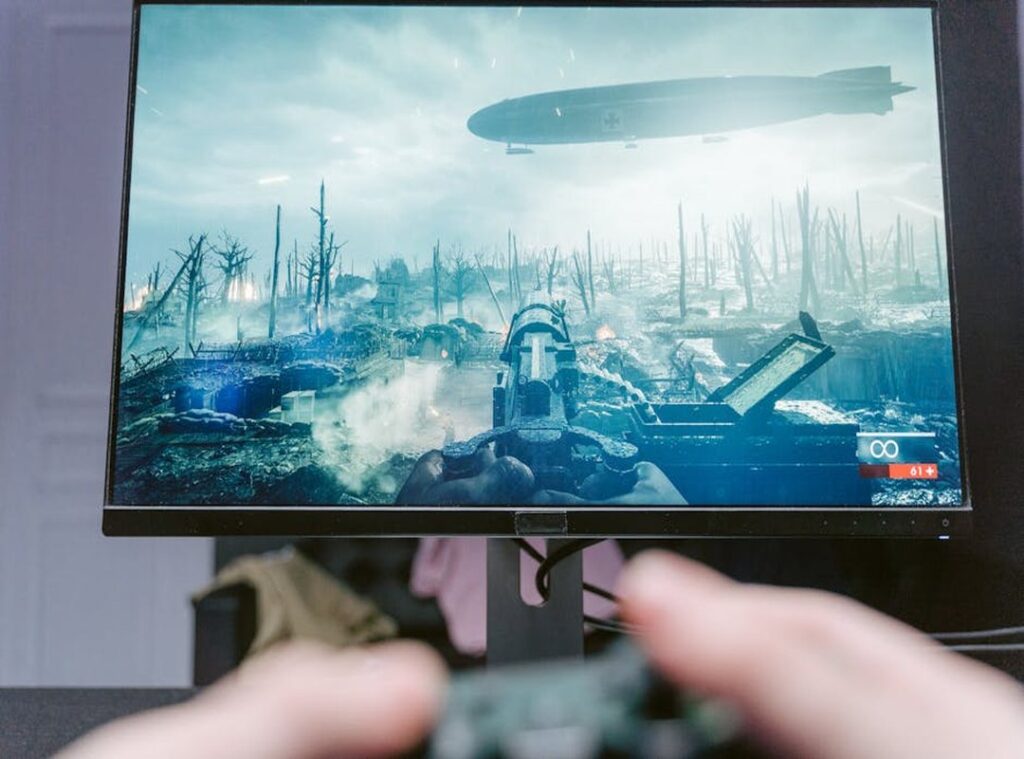
Ever sat there, controller in hand, wondering why your game feels like it’s moving in slow motion? It’s frustrating, right? I get it.
Trying to boost FPS gaming isn’t just about bragging rights. It’s about transforming your entire gaming experience. You want smooth, uninterrupted play, not jerky, laggy frustration.
But how do you get there?
I’ve been down this road, tweaking settings and upgrading my rig. Lucky for you, I’ve gathered takeaways from top gamers and experts. You’re not alone here.
We’ll sift through the noise and find practical steps that work (without breaking the bank). We’ll cut through the fluff and get to what matters: better performance, faster response, and a more immersive experience.
This article is your roadmap to enhancing your gaming setup. Trust me, by the end of this, you’ll be armed with the knowledge you need to dominate your games. Ready to dive in?
Let’s get started.
Pinpointing Your Performance Bottleneck: The Real Culprit
Ever wonder why your game stutters just when you’re about to land that perfect headshot? It’s frustrating, right? Sometimes, the culprit isn’t what you think. Bottlenecks are sneaky, hiding in your CPU, GPU, RAM, or storage.
Upgrading parts randomly can drain your wallet without boosting your FPS gaming experience.
Let’s talk diagnostics. You need a step-by-step approach. Tools like MSI Afterburner or in-game overlays are your best friends here.
They show you real-time metrics.
Pay attention to GPU usage. If it’s running at 99-100%, your GPU is the bottleneck. But if it’s low and one CPU core is maxed out, guess what?
Your CPU is holding you back in that game. RAM allocation is key, too. If your game demands more than your system offers, performance tanks.
Want more takeaways? Check VRAM usage. High VRAM use with lots of stuttering screams for an upgrade.
But don’t just take my word for it. Test it yourself.
Remember, diagnosing accurately saves cash and boosts performance. Before you splurge, see what’s really holding you back. For more tips on enhancing graphics without losing performance, check out this topic.
Pro tip: Don’t ignore low usage across the board. Sometimes, it’s not about a single bottleneck but inefficient settings. Tweak those first.
Your wallet will thank you.
Surgical Hardware: Maximize Gaming Impact
You want to boost FPS gaming? Of course, you do. Trust me, every frame matters.
First, let’s talk GPUs. If your graphics card is the bottleneck, you can’t ignore the connection between it and your monitor. They need to match like peanut butter and jelly.
A GPU should complement your monitor’s resolution and refresh rate to deliver that smooth experience. And, believe me, VRAM is key for those higher resolutions and fancy texture packs. You don’t want to end up with a slideshow, right?
Now, if your CPU is lagging, the core count isn’t the only factor. For gaming, single-thread performance can be the real hero. Need to pick a CPU?
Think about what you play. Plan games? Look for multi-core champions.
Fast-paced shooters? Single-thread beasts. The genre makes a difference.
Don’t forget RAM. Check your current speed and capacity. It’s not just about having enough gigabytes.
Speed, timings, and dual-channel memory all contribute to performance. Trust me, you’ll notice when something’s off.
And here’s a pro tip: ditch that old HDD. An SSD or NVMe SSD can slash load times and improve asset streaming. It’s like trading a bicycle for a sports car.
If you’re still unsure about upgrades, check out this how to increase fps in games community guide. They know their stuff.
The goal isn’t to splurge on tech for the sake of it. You want strategic upgrades that deliver results. Your bank account (and your gaming setup) will thank you.
The Digital Tune-Up: Optimizing Your OS and Drivers
Want a free, solid boost for your gaming setup? It’s time for a digital tune-up. to graphics driver maintenance. I’ve learned that using Display Driver Uninstaller (DDU) is key.
It wipes out old files that could be causing conflicts. Trust me, this step alone can boost FPS gaming. Ever wondered how much a simple driver update can shake things up?
It’s like flipping a switch that prioritizes your game over other tasks. Another trick? Use the ‘Ultimate Performance’ power plan.
Now, let’s talk about your OS. Gaming on Windows? Let Game Mode.
It’s hidden in Windows, but not hard to find. Got unnecessary startup apps or background services hogging resources? Kill them using Task Manager.
It’s a game-changer.
Visual effects in Windows might look cool, but they’re resource vampires. Disable transparency and those fancy animations. Free up system power for what truly matters: your game.
Remember to keep your system and game clients updated. Steam, Epic (they) release patches that improve performance. Missing those?
You’re leaving performance on the table.
For more takeaways, check out these Top Tips Reducing Game Lag. Curious if these steps make a difference? Try them, then compare your FPS before and after.
You might just thank me later.
Decode Settings: Gain a Competitive Edge
You know those “Ultra” settings everyone raves about? They’re a scam. Ultra makes your game look slightly better while tanking performance.

Why pay the price for eye candy? Shadows are a big FPS killer. Set them to Medium.
Trust me, you’ll barely notice the difference, but your frame rate will thank you. Anti-Aliasing is another one. MSAA looks great but costs too much.
FXAA is fine for most people.
Volumetric effects like fog and lighting add drama but drain power. Tone them down. Your GPU will love you.
Texture Quality impacts VRAM. High textures need more memory. If you’re running low, dial it back.
Now, let’s talk resolution scaling. Lowering render resolution slightly, like from 100% to 90%, can boost FPS gaming with minimal sharpness loss. It’s magic.
Here’s a pro tip: aim for a stable frame rate that matches your monitor’s refresh rate. Smooth beats high numbers every time. Why chase 120 FPS if your screen can’t handle it?
In the end, smarter settings mean better gaming. You want that edge, right? Make informed trade-offs and watch your performance soar.
Conquering Latency: Your Network Is Part of Your Rig
Forget frames-per-second for a minute. Let’s talk about network latency. Ever wonder why your game stutters online even with a solid setup?
It’s often the network. If you’re serious about multiplayer, a wired Ethernet connection is non-negotiable. Wi-Fi is like playing with a handicap.
Competitive gaming demands stability and low latency. If you’re stuck on Wi-Fi, try moving closer to the router or switch to the 5GHz band.
Pro tip: Check your channel isn’t crowded. Using Quality of Service (QoS) settings can raise your game by prioritizing gaming traffic. I’ve seen lag spikes kill many sessions.
Why risk it?
Boost FPS gaming, sure, but don’t ignore the power of a solid network.
Take Control of Your Gaming Experience
Lag and stutter messing with your game? Not anymore. With a systematic plan, the days of random fixes are over.
Gaming performance is complex; you can’t just guess your way through it. You need to diagnose. Then, improve hardware, software, and network settings. Boost FPS gaming by following these steps.
Stop guessing and start dominating. Reclaim those frames. Experience games as they were meant to be played.
Ready to see the difference? Set up this process. Transform your gameplay.
Call now. Take action. Are you prepared to finally enjoy a flawless game?
Then, do it. Act and conquer.
 There is a specific skill involved in explaining something clearly — one that is completely separate from actually knowing the subject. Eric Traversaloniv has both. They has spent years working with civiliden gaming mechanics explained in a hands-on capacity, and an equal amount of time figuring out how to translate that experience into writing that people with different backgrounds can actually absorb and use.
Eric tends to approach complex subjects — Civiliden Gaming Mechanics Explained, Digital Strategy Rundowns, Emerging Game Buzz being good examples — by starting with what the reader already knows, then building outward from there rather than dropping them in the deep end. It sounds like a small thing. In practice it makes a significant difference in whether someone finishes the article or abandons it halfway through. They is also good at knowing when to stop — a surprisingly underrated skill. Some writers bury useful information under so many caveats and qualifications that the point disappears. Eric knows where the point is and gets there without too many detours.
The practical effect of all this is that people who read Eric's work tend to come away actually capable of doing something with it. Not just vaguely informed — actually capable. For a writer working in civiliden gaming mechanics explained, that is probably the best possible outcome, and it's the standard Eric holds they's own work to.
There is a specific skill involved in explaining something clearly — one that is completely separate from actually knowing the subject. Eric Traversaloniv has both. They has spent years working with civiliden gaming mechanics explained in a hands-on capacity, and an equal amount of time figuring out how to translate that experience into writing that people with different backgrounds can actually absorb and use.
Eric tends to approach complex subjects — Civiliden Gaming Mechanics Explained, Digital Strategy Rundowns, Emerging Game Buzz being good examples — by starting with what the reader already knows, then building outward from there rather than dropping them in the deep end. It sounds like a small thing. In practice it makes a significant difference in whether someone finishes the article or abandons it halfway through. They is also good at knowing when to stop — a surprisingly underrated skill. Some writers bury useful information under so many caveats and qualifications that the point disappears. Eric knows where the point is and gets there without too many detours.
The practical effect of all this is that people who read Eric's work tend to come away actually capable of doing something with it. Not just vaguely informed — actually capable. For a writer working in civiliden gaming mechanics explained, that is probably the best possible outcome, and it's the standard Eric holds they's own work to.